
Hono 技术栈
Hono 让简单的事情保持简单,也让复杂的事情变得简单。 它不仅适合返回 JSON,也非常适合构建包含 REST API 服务器和客户端的全栈应用。
RPC
Hono 的 RPC 功能只需少量代码修改,就能让你共享 API 定义。 由 hc 生成的客户端会读取这些定义,并以类型安全的方式访问端点。
以下库共同实现了这一功能。
这组组件可以统称为 Hono 技术栈。 下面使用它们创建 API 服务器和客户端。
编写 API
首先,编写一个接收 GET 请求并返回 JSON 的端点。
ts
import { Hono } from 'hono'

const app = new Hono()

app.get('/hello', (c) => {
  return c.json({
    message: `Hello!`,
  })
})
使用 Zod 进行验证
使用 Zod 验证并获取查询参数的值。
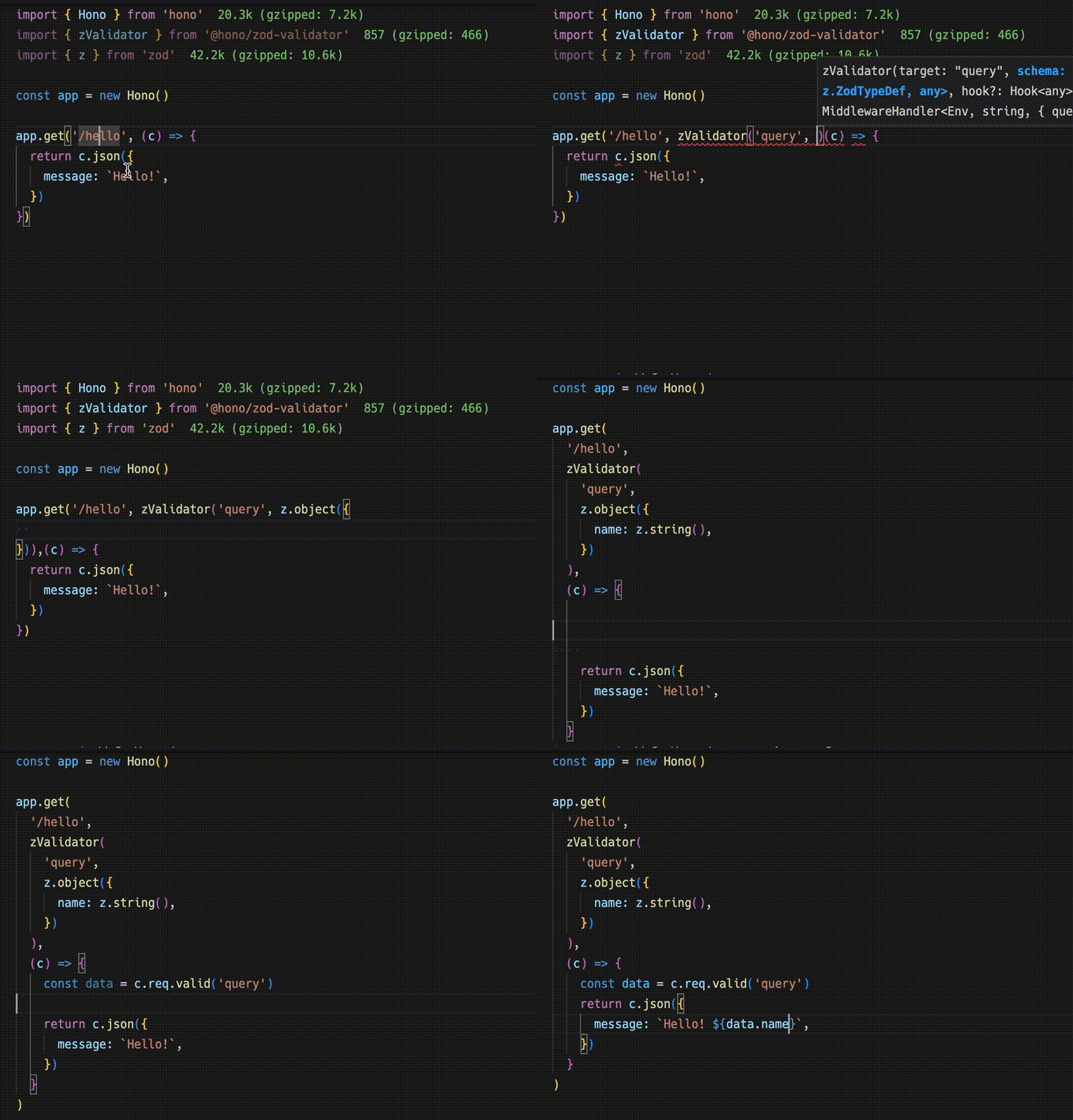
ts
import { zValidator } from '@hono/zod-validator'
import * as z from 'zod'

app.get(
  '/hello',
  zValidator(
    'query',
    z.object({
      name: z.string(),
    })
  ),
  (c) => {
    const { name } = c.req.valid('query')
    return c.json({
      message: `Hello! ${name}`,
    })
  }
)
共享类型
导出端点的类型,即可提供对应的 API 定义。
注意
要让 RPC 正确推断路由,所有相关方法都必须以链式形式调用,并从已声明的变量中推断端点或应用类型。详情请参阅 RPC 最佳实践。
ts
const route = app.get(
  '/hello',
  zValidator(
    'query',
    z.object({
      name: z.string(),
    })
  ),
  (c) => {
    const { name } = c.req.valid('query')
    return c.json({
      message: `Hello! ${name}`,
    })
  }
)

export type AppType = typeof route
客户端
接下来实现客户端。 将 AppType 类型作为泛型参数传给 hc,创建客户端对象。 随后,编辑器便能自动补全端点路径和请求类型。
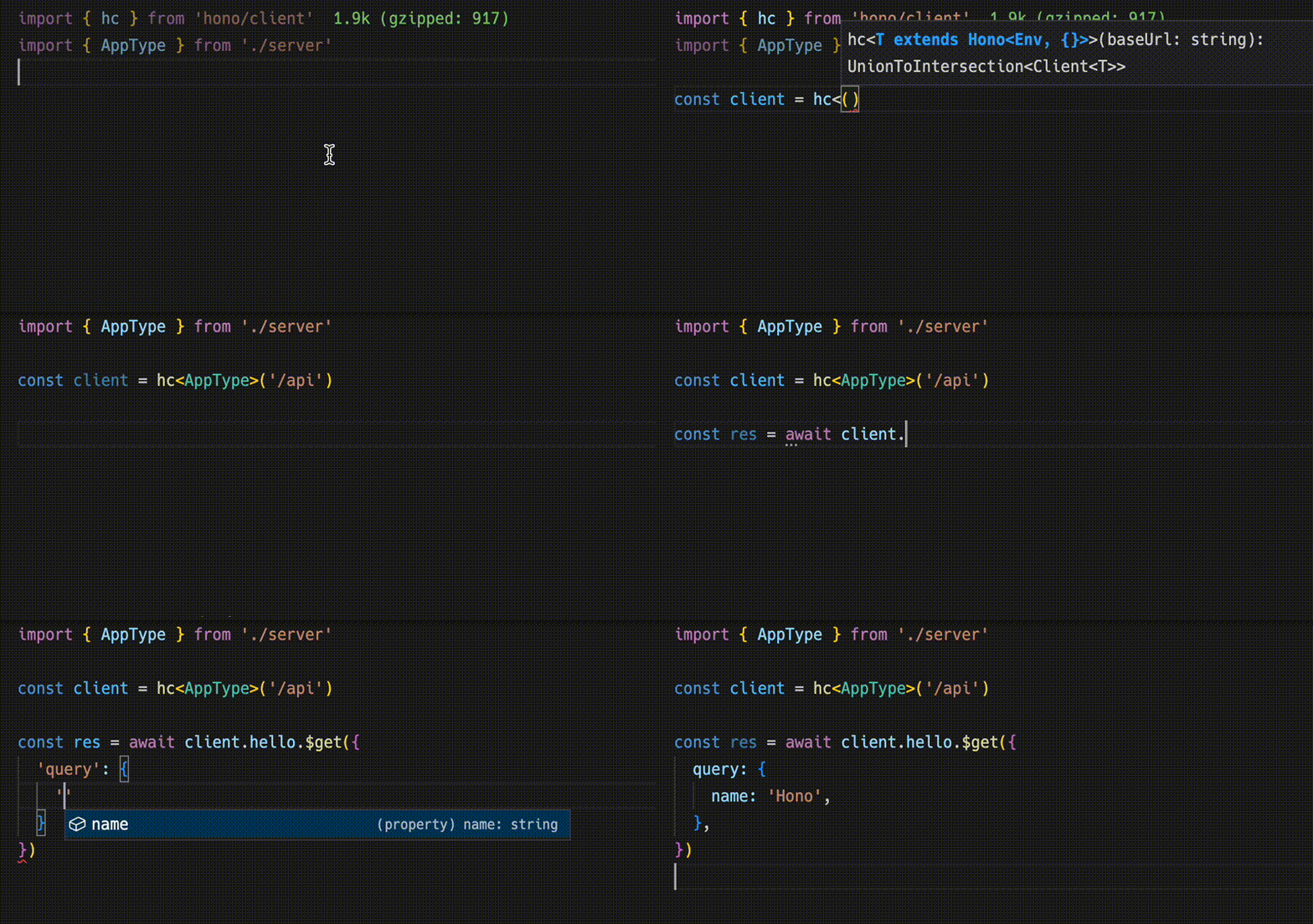
ts
import type { AppType } from './server'
import { hc } from 'hono/client'

const client = hc<AppType>('/api')
const res = await client.hello.$get({
  query: {
    name: 'Hono',
  },
})
返回的 Response 与 fetch API 兼容,通过 json() 取得的数据也具有类型信息。
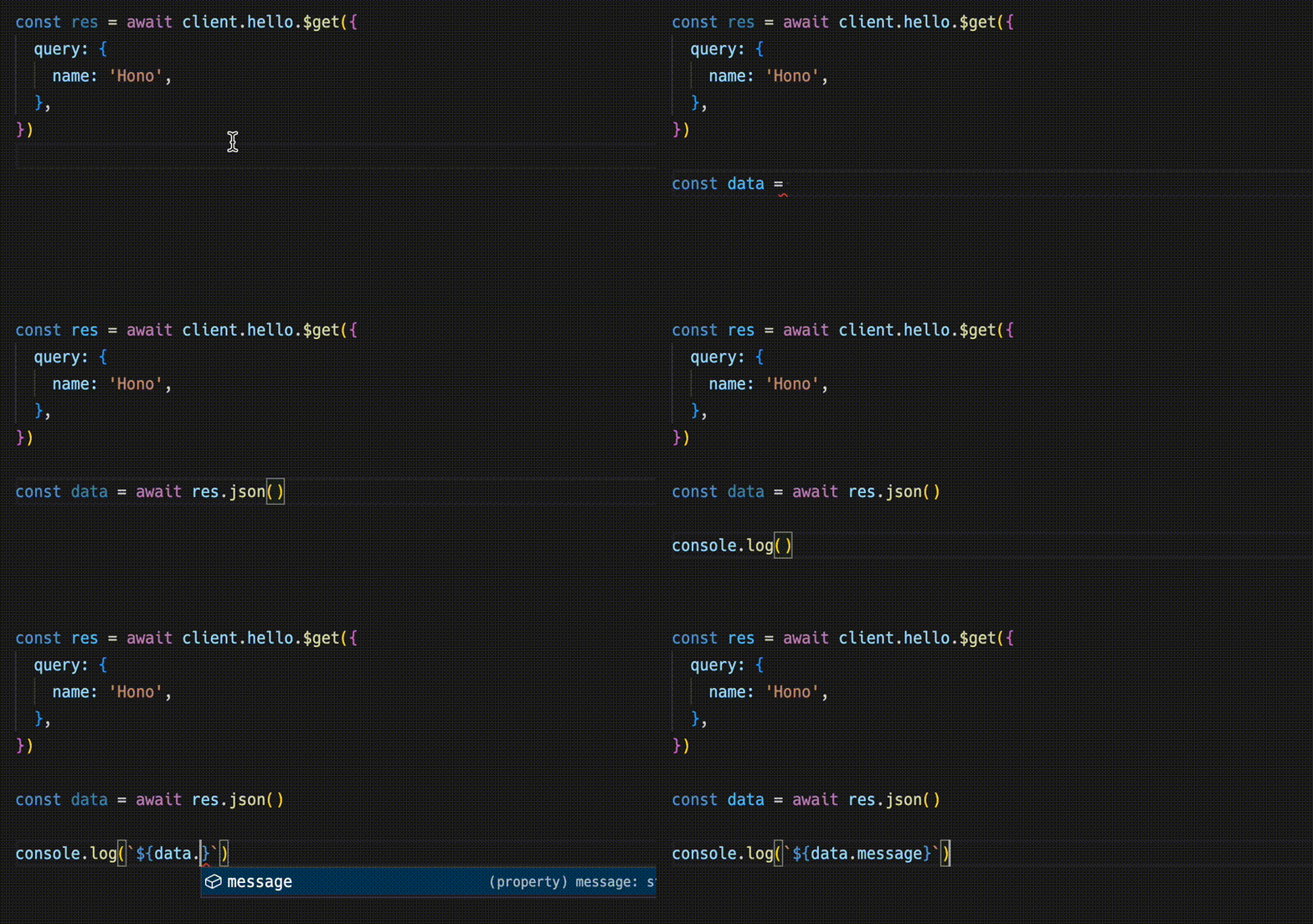
ts
const data = await res.json()
console.log(`${data.message}`)
共享 API 定义意味着,客户端能够感知服务器端的变更。
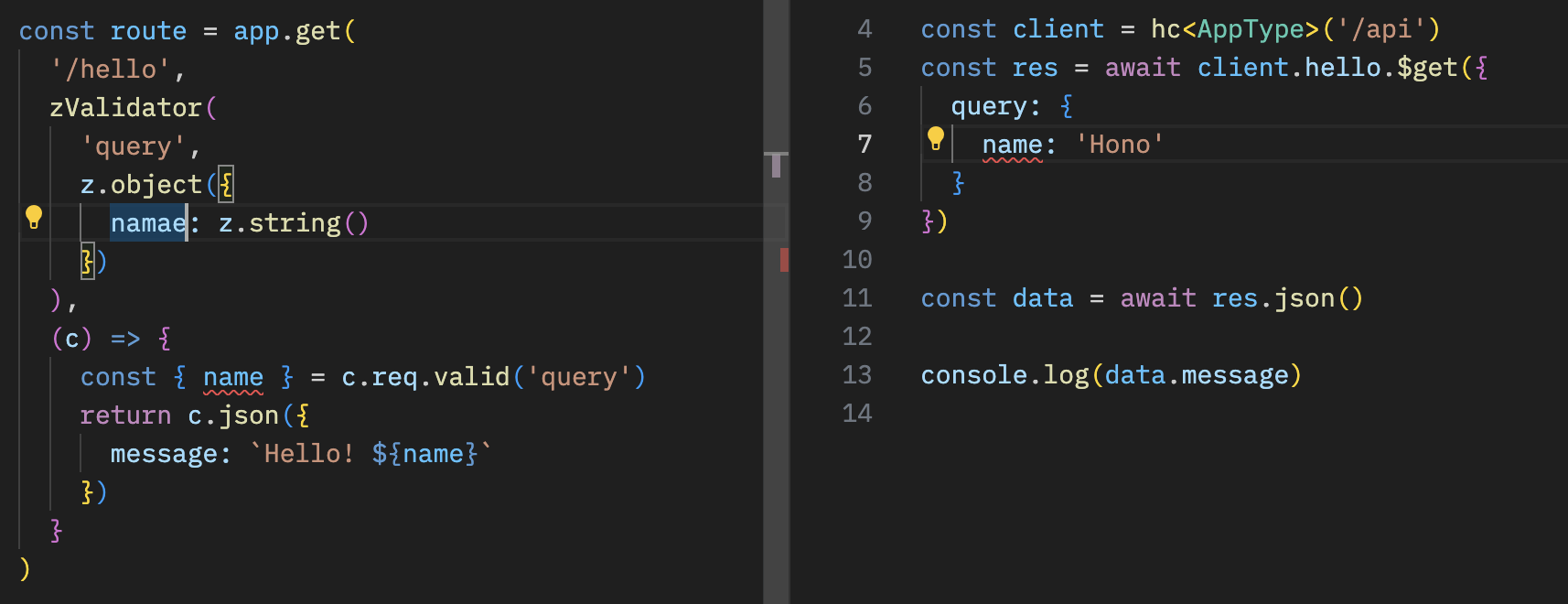
结合 React 使用
你可以使用 React 为 Cloudflare Workers 构建应用。
API 服务器的实现如下。
ts
// src/index.ts
import { Hono } from 'hono'
import * as z from 'zod'
import { zValidator } from '@hono/zod-validator'

const schema = z.object({
  id: z.string(),
  title: z.string(),
})

type Todo = z.infer<typeof schema>

const todos: Todo[] = []

const api = new Hono()
  .post('/todo', zValidator('form', schema), (c) => {
    const todo = c.req.valid('form')
    todos.push(todo)
    return c.json({
      message: 'created!',
    })
  })
  .get('/todo', (c) => {
    return c.json({
      todos,
    })
  })

export type AppType = typeof api

const app = new Hono()
app.route('/api', api)

export default app
使用 React 和 React Query 的客户端如下。
tsx
// src/App.tsx
import {
  useQuery,
  useMutation,
  QueryClient,
  QueryClientProvider,
} from '@tanstack/react-query'
import type { AppType } from '../functions/api/[[route]]'
import { hc, InferResponseType, InferRequestType } from 'hono/client'

const queryClient = new QueryClient()
const client = hc<AppType>('/api')

export default function App() {
  return (
    <QueryClientProvider client={queryClient}>
      <Todos />
    </QueryClientProvider>
  )
}

const Todos = () => {
  const query = useQuery({
    queryKey: ['todos'],
    queryFn: async () => {
      const res = await client.todo.$get()
      return await res.json()
    },
  })

  const $post = client.todo.$post

  const mutation = useMutation<
    InferResponseType<typeof $post>,
    Error,
    InferRequestType<typeof $post>['form']
  >({
    mutationFn: async (todo) => {
      const res = await $post({
        form: todo,
      })
      return await res.json()
    },
    onSuccess: async () => {
      queryClient.invalidateQueries({ queryKey: ['todos'] })
    },
    onError: (error) => {
      console.log(error)
    },
  })

  return (
    <div>
      <button
        onClick={() => {
          mutation.mutate({
            id: Date.now().toString(),
            title: 'Write code',
          })
        }}
      >
        Add Todo
      </button>

      <ul>
        {query.data?.todos.map((todo) => (
          <li key={todo.id}>{todo.title}</li>
        ))}
      </ul>
    </div>
  )
}